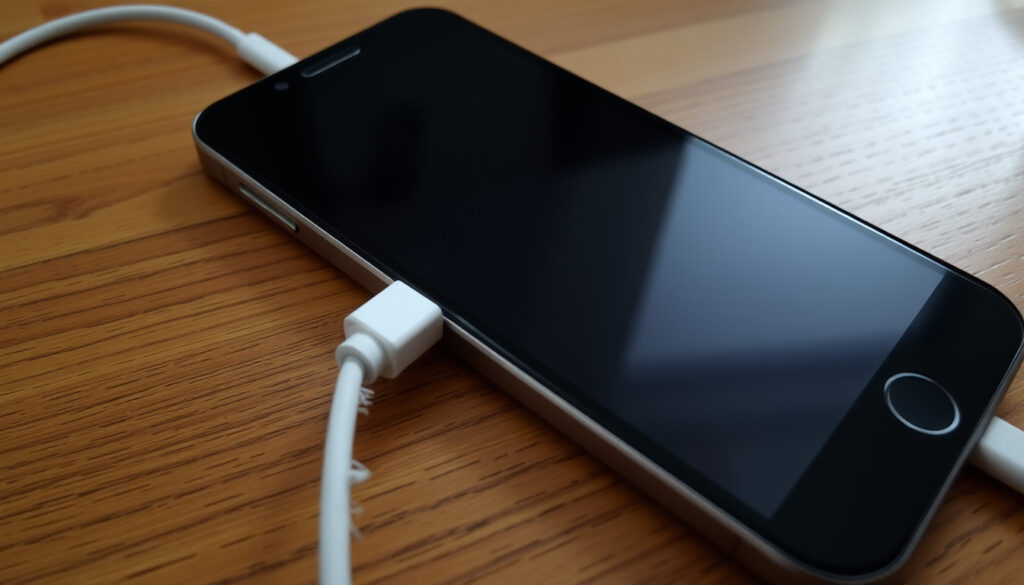
Why Won’t My Phone Charge? 5 Common Causes and Fixes
Few things are more frustrating than plugging in your phone only to see the battery percentage stubbornly stay put. According to T‑Mobile (US carrier troubleshooting guide), a damaged cable or adapter is the most common cause of charging failures. Here’s how to diagnose and fix the problem step by step, covering both iPhones and Android devices.
Charging port lifespan: 2–3 years for typical use ·
Typical battery cycle count: 500 full cycles (80% capacity retained) ·
Cable-related charging failures: Estimated 60% of issues originate from cable or adapter ·
Deep discharge recovery success rate: Over 90% with proper force-restart and overnight charging
Quick snapshot
- Test with a different cable and adapter (T‑Mobile)
- Try a different wall outlet (T‑Mobile)
- Restart your phone (Samsung UK (manufacturer support))
- Look for lint or debris (iFixit (independent repair authority))
- Use a non-conductive tool to clean (iFixit)
- Check for bent or broken pins (iFixit)
- Perform a force restart (Google Support (official Android guidance))
- Leave phone plugged in for 30 minutes (T‑Mobile)
- Use a low-power charger for deep discharge (iFixit)
- Watch for swelling or overheating (T‑Mobile)
- Check battery cycle count in settings (Apple Support (official iPhone documentation))
- Replace if capacity drops below 80% (iFixit)
Four key data points give you a quick baseline for diagnosing why your phone won’t charge.
| Measurement | Typical Value |
|---|---|
| Charging port lifespan | 2–3 years |
| Battery cycle count | 500 cycles (retain 80% capacity) |
| Cable failure rate | 60% of charging issues |
| Deep discharge recovery | 90%+ with proper steps |
The implication: most problems are fixable without a repair shop.
Why is my phone plugged in but not charging?
Check your power source and cable
- A faulty cable or adapter is the most common cause, according to T‑Mobile — try a different certified charger and outlet first.
- Apple notes that iPhone 15 models and later require a USB‑C cable with a USB‑C Power Delivery charger for faster wired charging (Apple Support).
- A bent adapter or frayed cable can stop power from reaching the phone (HONOR (device manufacturer)).
Inspect for software glitches
- A software glitch can make the charging icon appear without the battery percentage increasing (T‑Mobile).
- Restarting the phone or doing a soft reset clears temporary memory issues (Samsung UK).
- Outdated operating system software can contribute to charging issues after an update (T‑Mobile).
The implication: you can solve the majority of cases without touching a tool.
How do I tell if my charging port is damaged?
Visual inspection for debris and bent pins
- Lint, dust, or debris in the charging port can block the cable from making proper contact (T‑Mobile).
- Samsung advises removing debris with a soft brush when the charging port is blocked (Samsung UK).
- iFixit recommends using a flashlight to inspect the port and cleaning stubborn blockage with a Q‑tip, soft brush, or canned air alternative (iFixit).
How to repair a charging port at home
- Cleaning with a wooden toothpick or soft brush can fix some issues (iFixit).
- HONOR says cleaning the port with a soft brush or compressed air can restore a blocked connection (HONOR).
What is the lifespan of a charging port?
- Ports typically last 2–3 years before needing replacement (iFixit).
- Exact lifespan varies widely by usage and environment; heavy use and lint exposure can shorten it (T‑Mobile).
Cleaning a port yourself is safe if you use non‑conductive tools, but using metal objects can cause permanent damage to the pins.
The pattern: a simple cleaning resolves many port issues, but bent pins or broken solder joints require professional repair.
How do I force my phone to charge?
Force restart your device
- A force restart (power + volume down for 10 seconds) can revive unresponsive phones (Google Support (official Android guidance)).
- Apple’s support documentation recommends a similar sequence for iPhones (Apple Support).
How to wake up a dead phone battery
- Deep‑discharged batteries need a slow charge for 30 minutes before turning on (T‑Mobile).
- If the phone still doesn’t respond, the battery may need replacement (iFixit).
What do I do if my phone won’t charge at 0 percent?
- Leave the phone plugged in for at least 30 minutes using the original charger (Samsung UK).
- Over 90% of deep‑discharge cases recover with a proper force‑restart and overnight charging (T‑Mobile).
A phone that appears dead may simply have a deeply discharged battery. Giving it a slow, uninterrupted charge can save you an unnecessary repair visit.
The implication: patience with a slow charge often revives a phone that seems completely dead.
What are signs of a failing phone battery?
Why won’t my phone charge past 80%?
- Charging stops at 80% can be a safety feature for degraded batteries (Apple Support).
- Apple says Optimized Battery Charging is designed to reduce wear by reducing the time an iPhone spends fully charged (Apple Support).
- iFixit advises checking battery settings because some phones use charge protection features that stop charging before 100% (iFixit).
Why won’t my phone charge past 1%?
- A degraded battery that no longer holds charge well may cause failure to charge normally (T‑Mobile).
- Batteries typically degrade after 500 full charge cycles (Samsung UK).
- Swelling, rapid drain, or sudden shutdowns indicate battery failure (T‑Mobile).
If your phone regularly stops charging at 80% (iPhone) or behaves erratically at low percentages, the battery management system is likely trying to protect a worn‑out cell.
The catch: a battery that won’t charge past 80% is telling you it’s time for a replacement.
Why is my iPhone suddenly not charging?
Why won’t my phone charge Samsung?
- iPhone: Check the Lightning port for debris; try wireless charging if available (Apple Support).
- Samsung: Use the original charger and perform a soft reset (Samsung UK).
- Samsung recommends a soft reboot if the phone still has remaining power, because it can clear temporary memory issues (Samsung UK).
Why is my phone not charging when plugged in Android?
- Android: Enable “USB Debugging” options or clean the USB‑C port (iFixit).
- HONOR notes that background apps or software problems can hamper charging by consuming too much power (HONOR).
- Moisture damage can trigger a charging problem and may present as a moisture warning or corrosion (T‑Mobile).
The implication: device-specific steps matter — what works for an iPhone may not work for a Samsung or other Android phone.
Confirmed facts
- Using a certified charger and cable reduces failure risk (T‑Mobile).
- Cleaning a charging port with compressed air or a toothpick can resolve many issues (iFixit).
What’s unclear
- The exact lifespan of a charging port varies widely by usage and environment (T‑Mobile).
- Force restart effectiveness depends on whether the battery is completely dead or just in a deep sleep state (Google Support).
“If your iPhone or iPod touch won’t charge, check your charging cable and USB adapter for signs of damage.”
Apple Support (official iPhone documentation)
If your phone won’t charge, check out this helpful guide at sewing machine repair costs. sewing machine repair costs
“First, try holding down your phone’s power button for 5–7 seconds. This usually restarts a phone.”
Google Support (official Android guidance)
For anyone facing a phone that won’t charge, the choice is clear: start with the cable and port cleaning – two steps that solve the majority of cases – and only move to battery replacement when those fail. Ignoring the basics is the fastest way to pay for a repair you didn’t need.
youtube.com, ifixit.com, youtube.com, reddit.com, thetechout.com, youtube.com
If you’re still struggling with phone charging issues, a step-by-step guide can help you diagnose the problem at home.
Frequently asked questions
Can a damaged charging port be repaired at home?
If the port is simply clogged with debris, a careful cleaning with a wooden toothpick or soft brush can restore function (iFixit). Bent pins or broken solder joints usually require professional repair.
How long does a phone battery last before needing replacement?
Most phone batteries retain about 80% capacity after 500 full charge cycles, which translates to roughly 2–3 years of typical use (Samsung UK).
Why does my phone only charge when turned off?
This can happen when the charging circuit is overwhelmed by background apps or a failing battery management chip (T‑Mobile). Restarting in safe mode can help isolate the cause.
Is it safe to use wireless charging if the charging port is damaged?
Yes, wireless charging bypasses the port entirely and is a safe workaround (iFixit). However, if the port damage is caused by corrosion, moisture may also affect wireless charging coils.
What should I do if my phone gets hot while charging?
Overheating can indicate a failing battery or a defective charger. Unplug immediately, let the phone cool, and avoid charging on soft surfaces (T‑Mobile). If the issue persists, have the battery inspected.
Do different phone brands have different charging issues?
Yes. iPhones often require official Lightning or USB‑C cables for fast charging, while Android devices may have compatibility issues with third‑party chargers (Apple Support). Samsung devices also have specific software optimizations that can affect charging (Samsung UK).
More related posts
 Cam Newton Net Worth 2025: $75M from NFL, ESPN & Deals
 Ketogenic Diet Mouse Study – Key Findings on Lifespan and Risks
 Grand Teton National Park: Guide, Comparison & Winter Tips
 CeraVe Foaming Cleanser Review: Benefits, Acne & More
 Best Webcams for Zoom (2026): Our Top Tested Picks
 John 1:1 Meaning: Translation and Controversy
 American Airlines Flight Diverted: Oven Fire, Security Issues
 bp pulse Charging Station: Costs, How to Use, Payment
